

WhyNote
Free
A tiny Mac text editor for quick text jobs. Paste and the formatting is gone, notes save themselves, find and replace is one shortcut away. Free.
- Free. No license key, no subscription, no card needed.
- Saved to your account — download any time, no expiry
By completing your purchase you agree to our Terms of Service and Personal Use License.
What you receive
Every note app wants to be a second brain. WhyNote just wants to be a napkin.
Your notes, kept
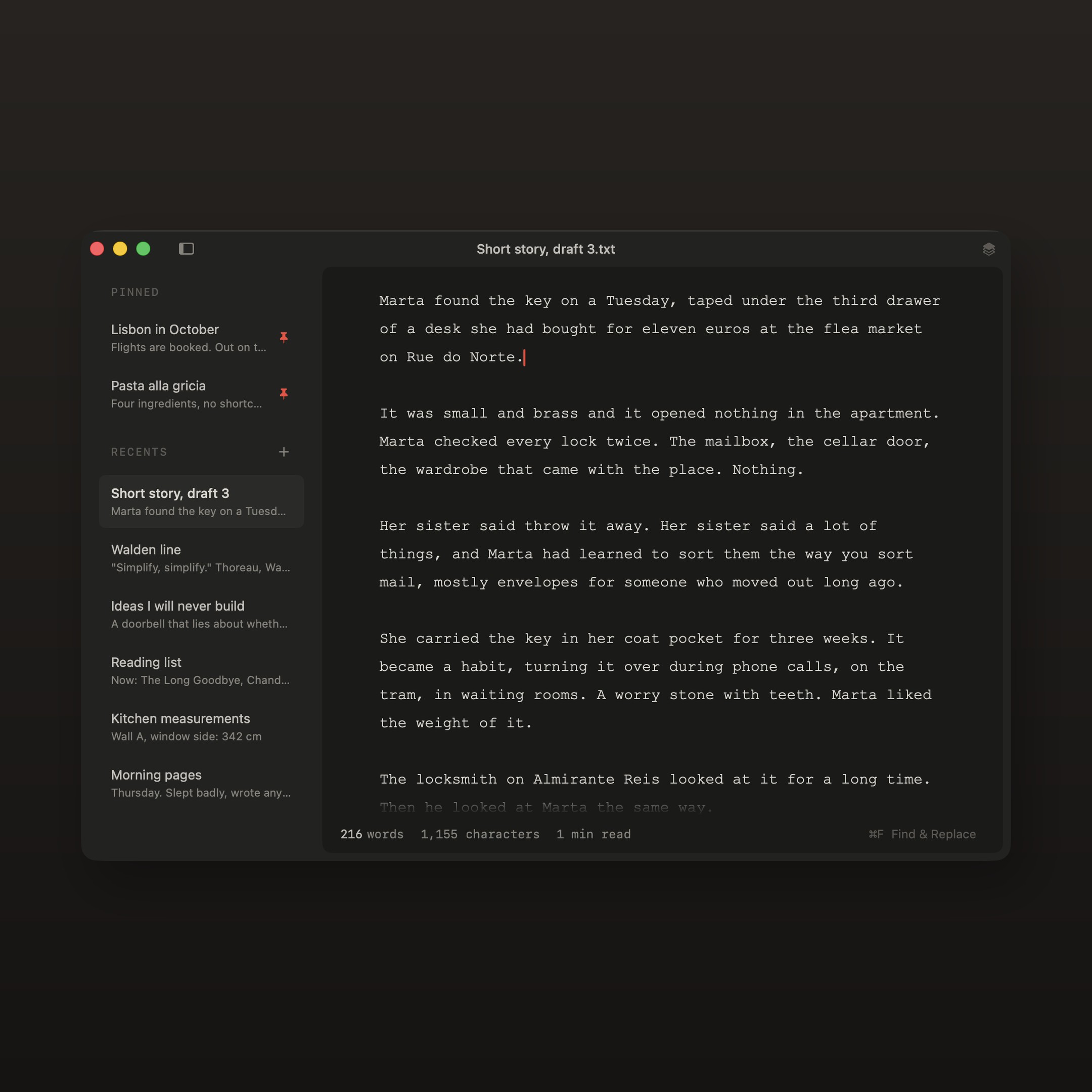
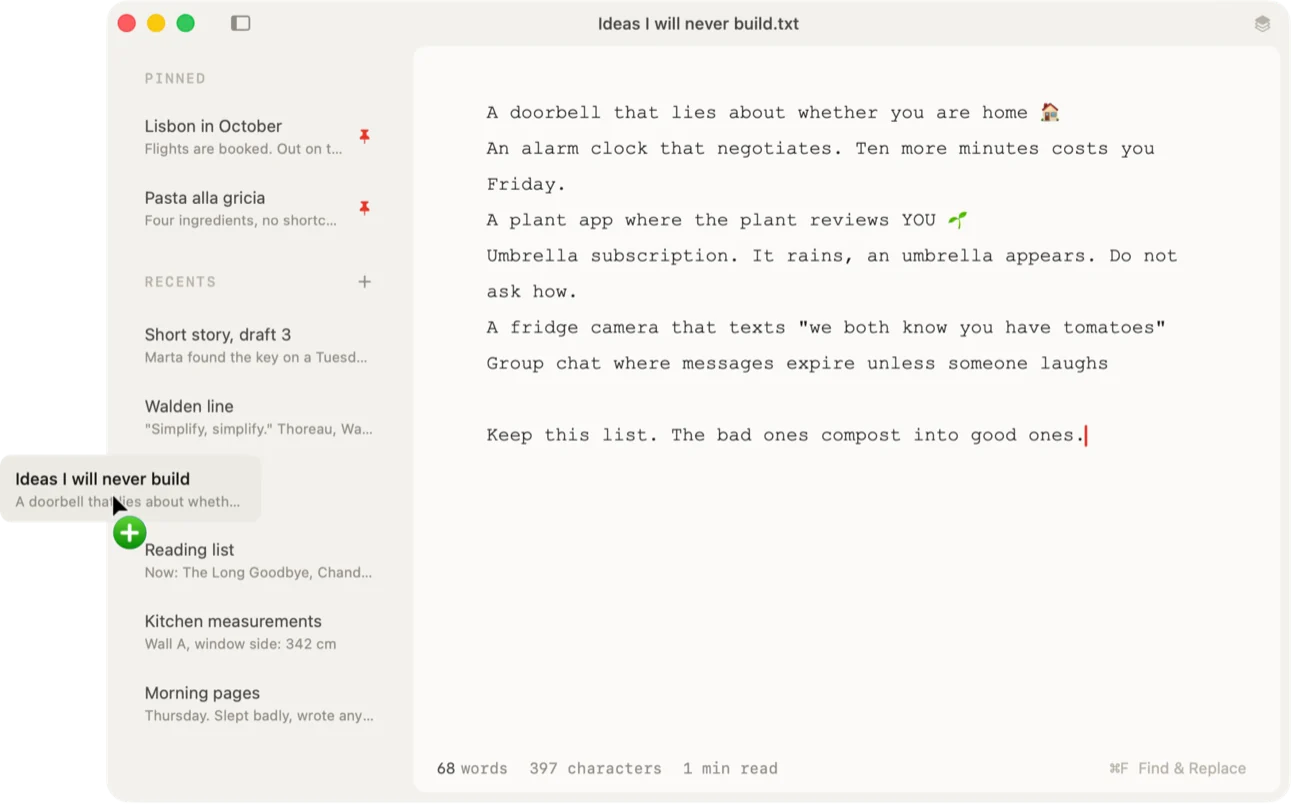
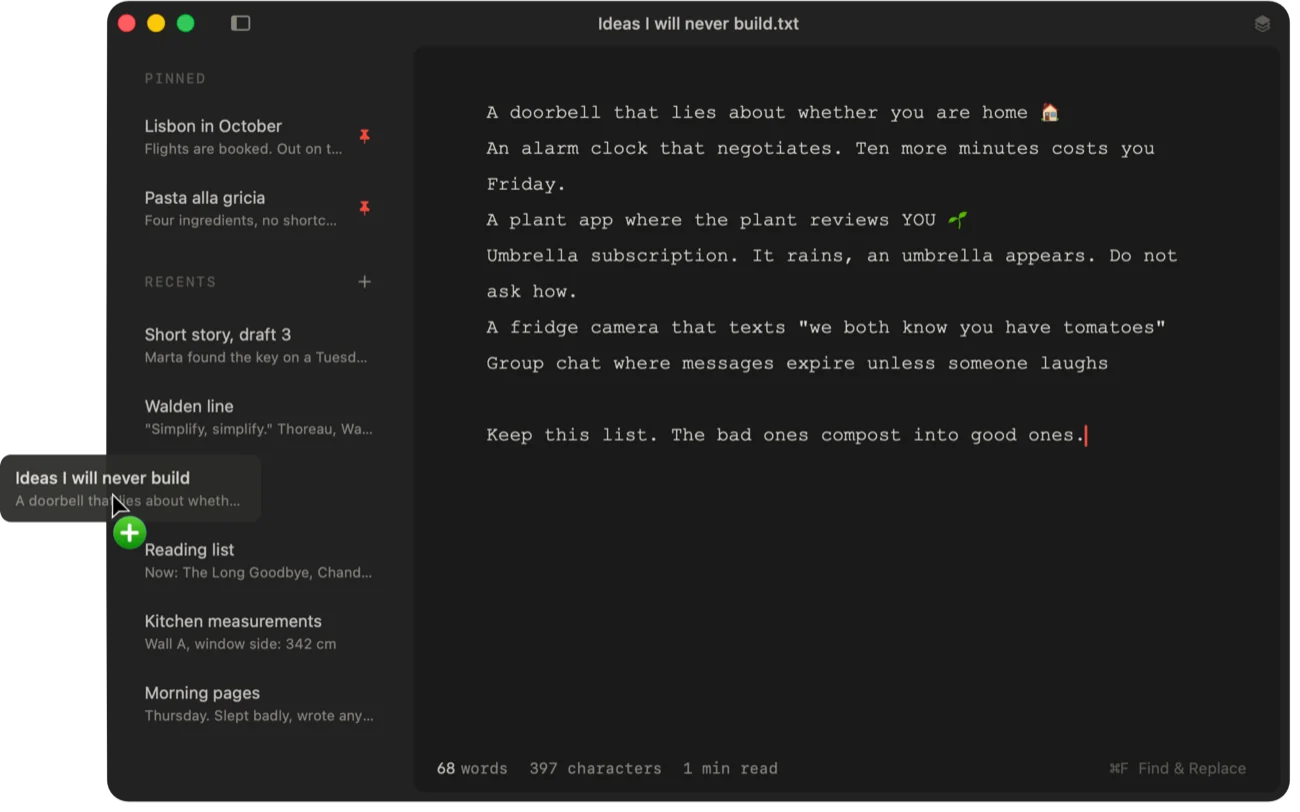
The sidebar holds everything: pin what matters, recents keep themselves in order. Every note is saved the moment you type it, as a real .txt file on your Mac. Close the app mid-sentence and your sentence will be here.
- Pinned notes and recents in one sidebar
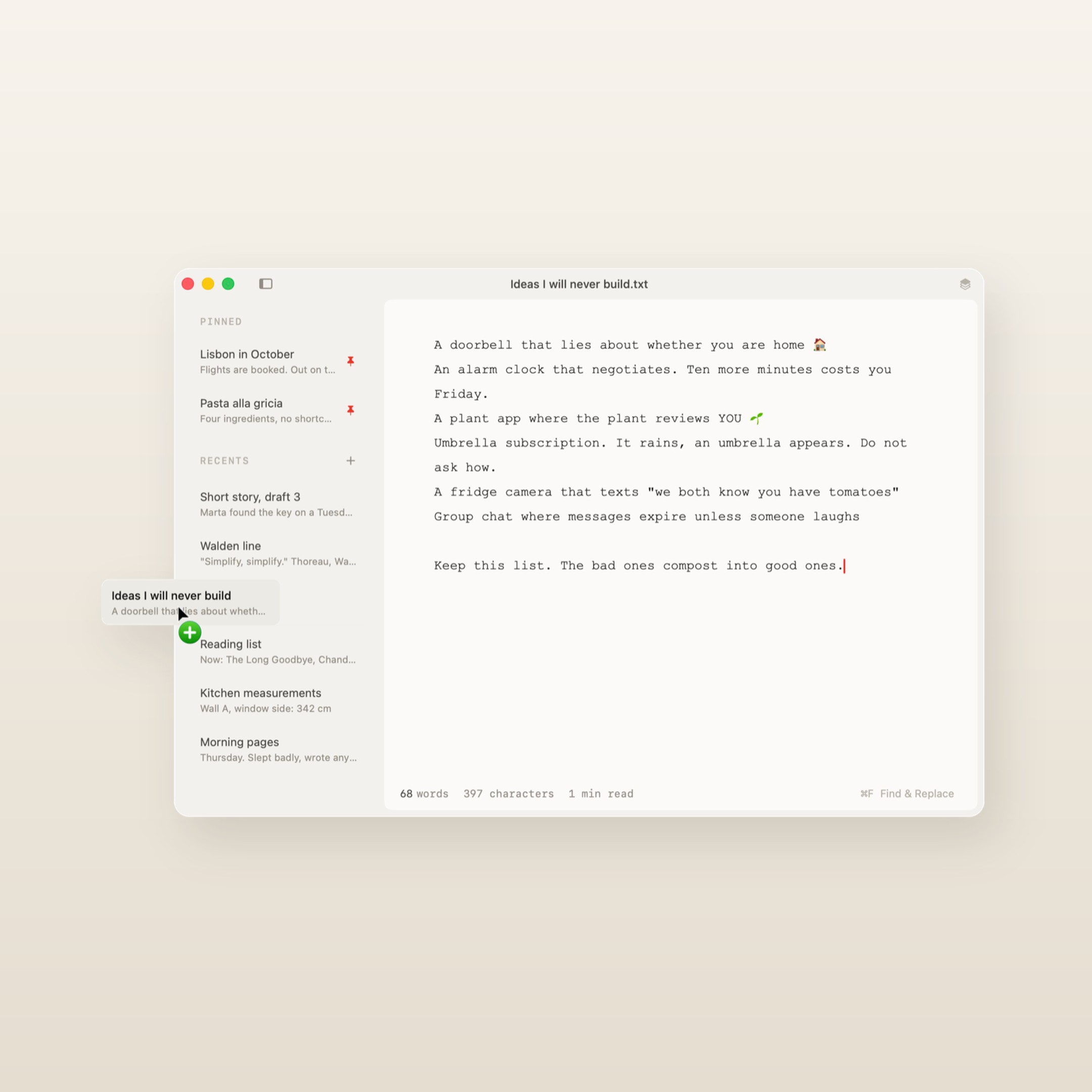
- Drag a note out and it becomes a file
- Drag a file in and only the words come through
Clean formatting, instantly
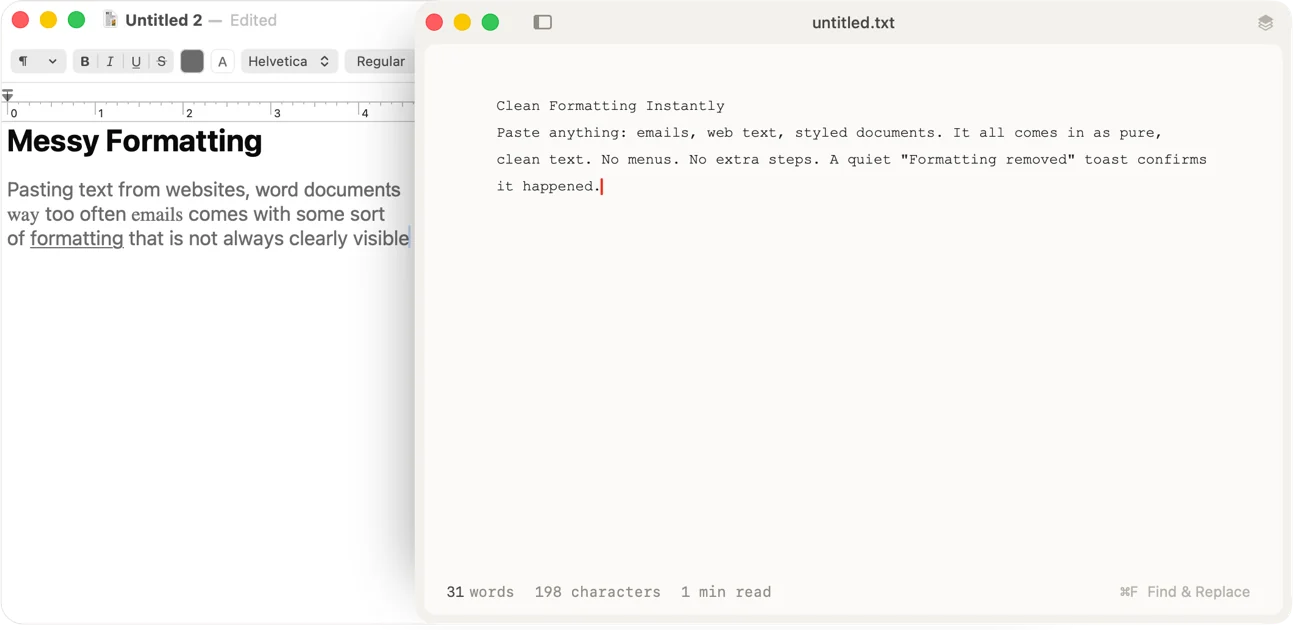
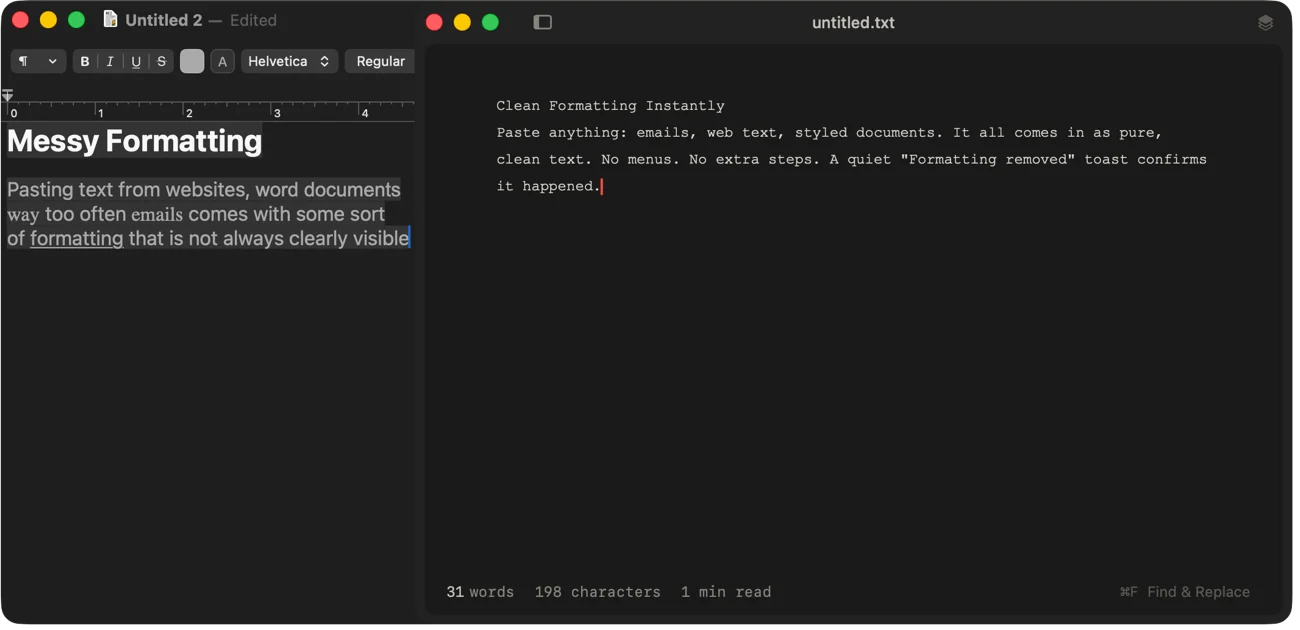
Paste anything: emails, web text, styled documents. It all comes in as pure, clean text. No menus and no extra steps.
- Fonts, sizes and colours stay behind
- A quiet "Formatting removed" note confirms it
- Nothing to switch on
Sleek find and replace
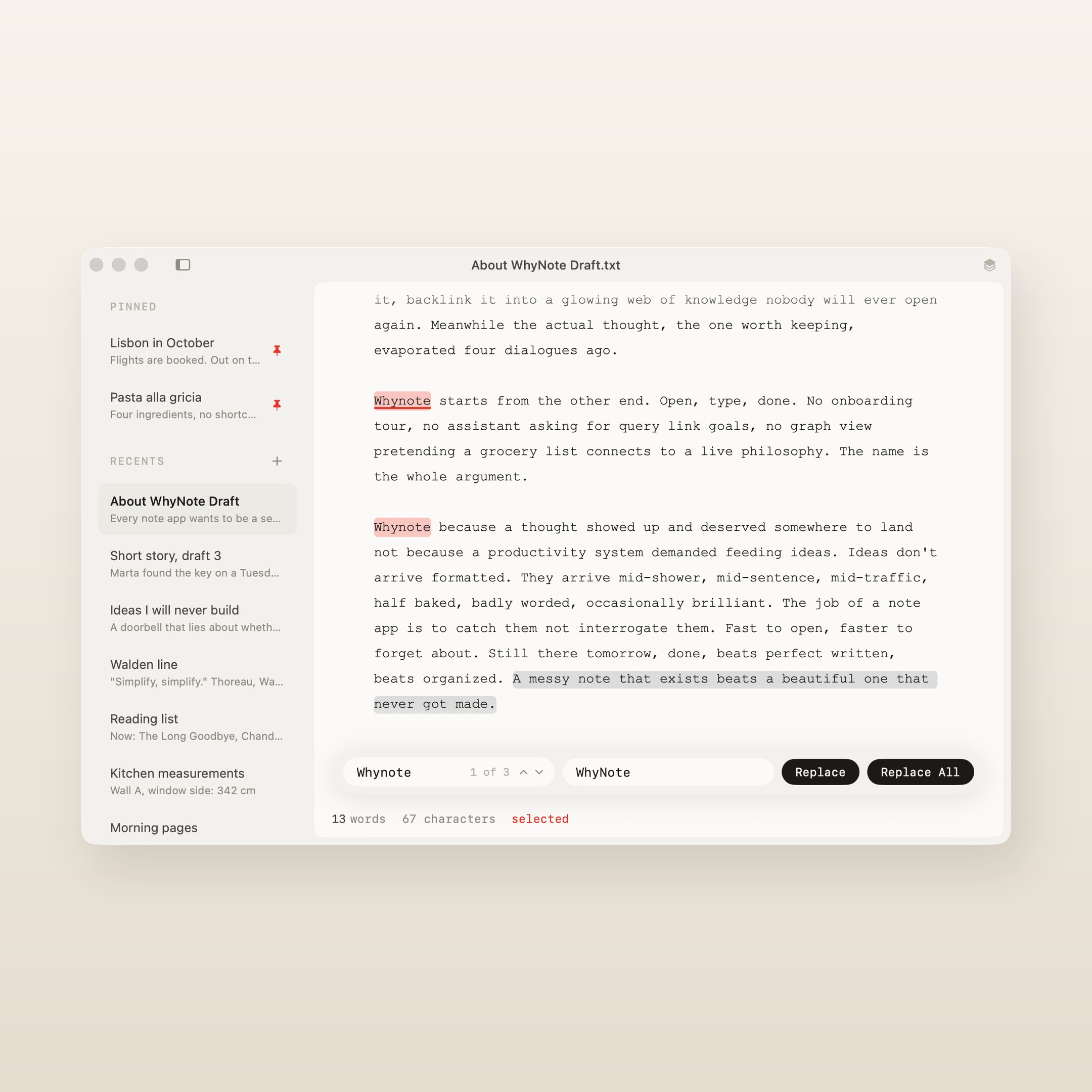
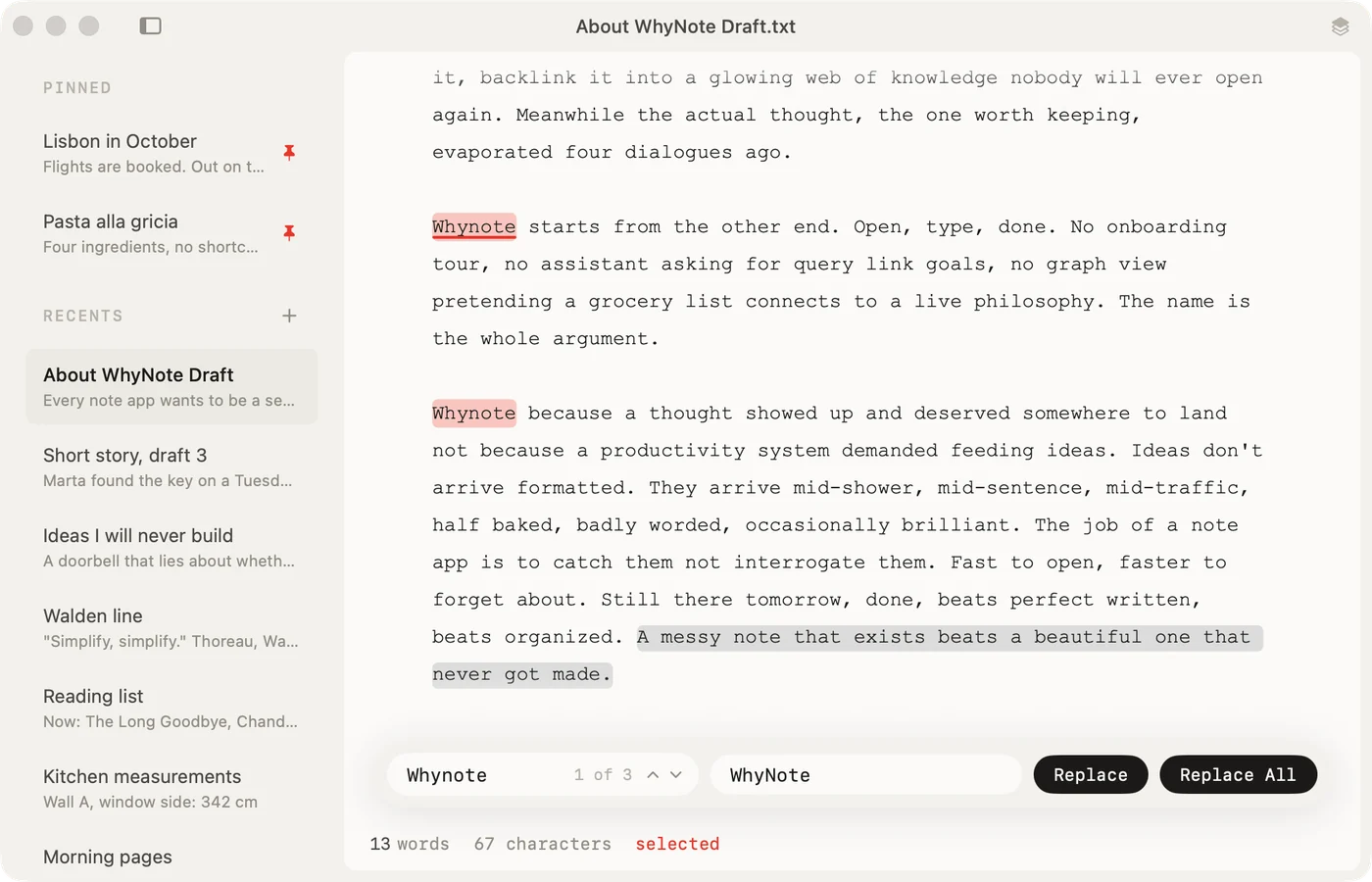
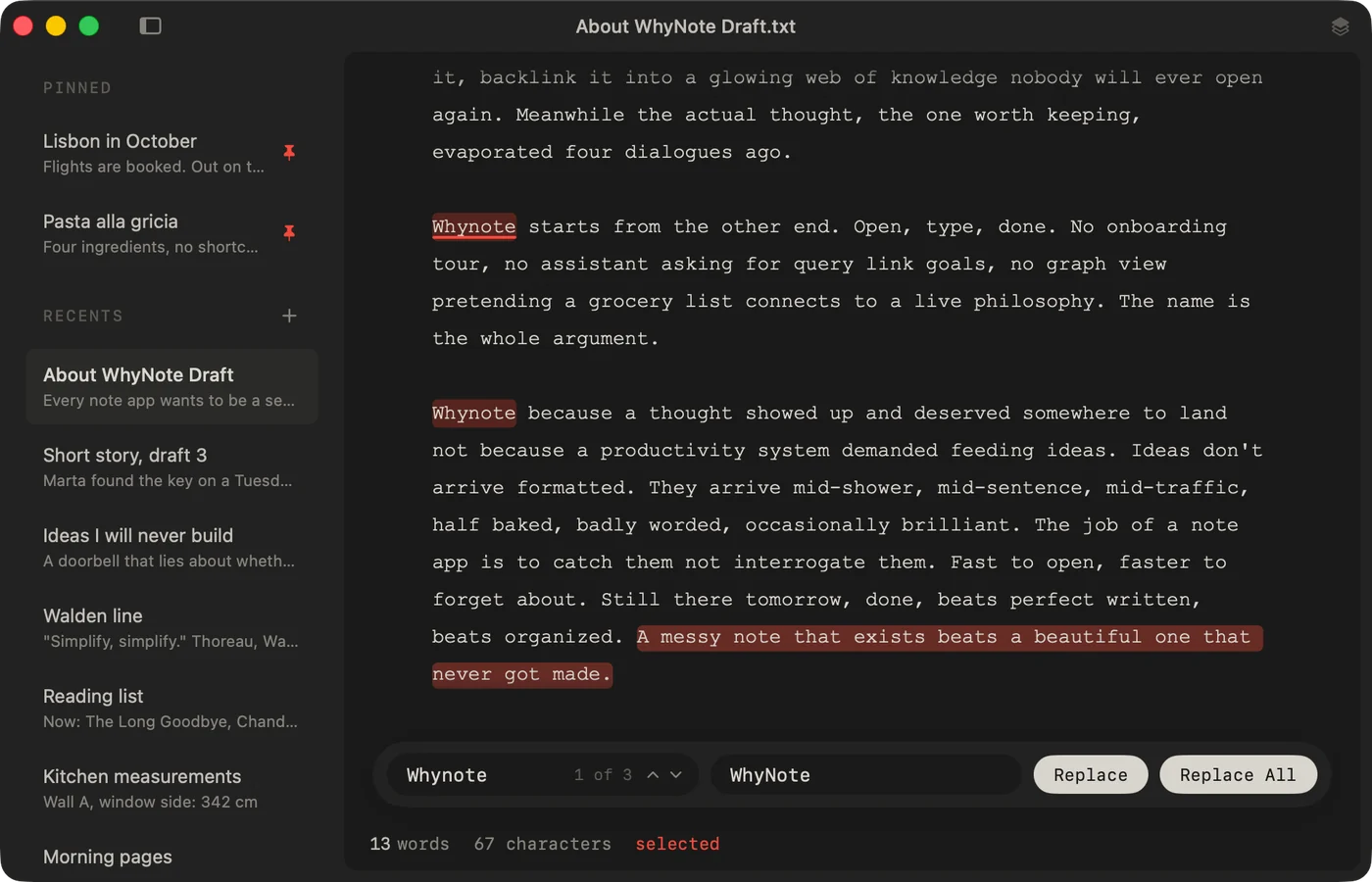
Matches light up as red pills while you type and a counter shows where you are. The view glides to each match. Replace one, or all of them.
- ⌘F opens it
- Enter walks forward, Shift-Enter walks back
- Replace one or Replace All
Goes small
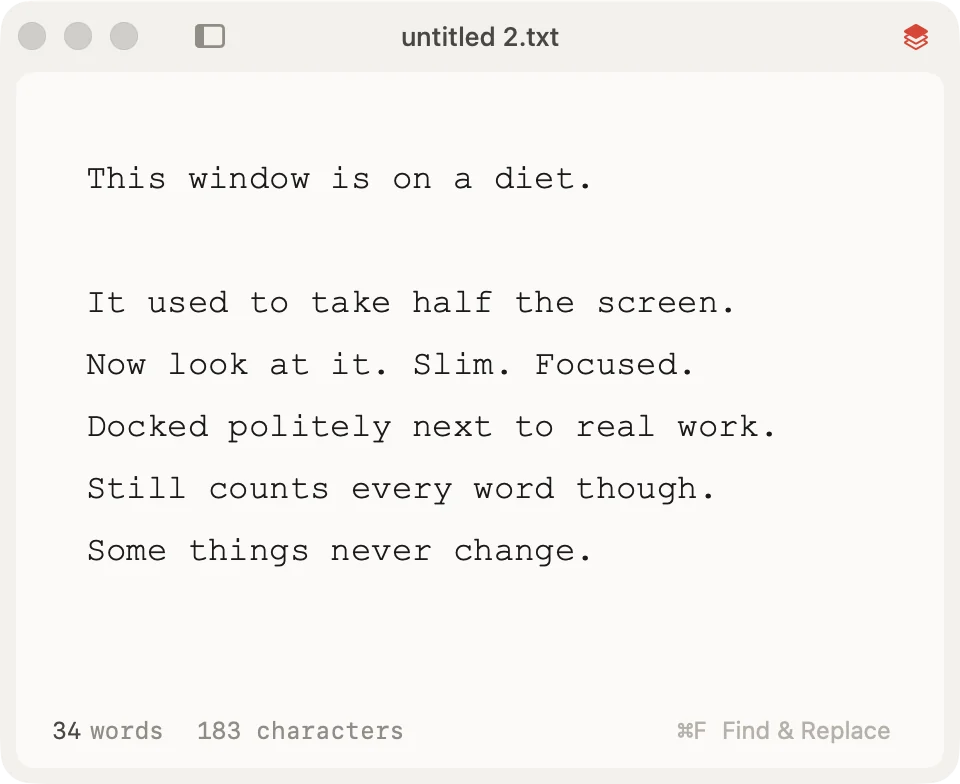
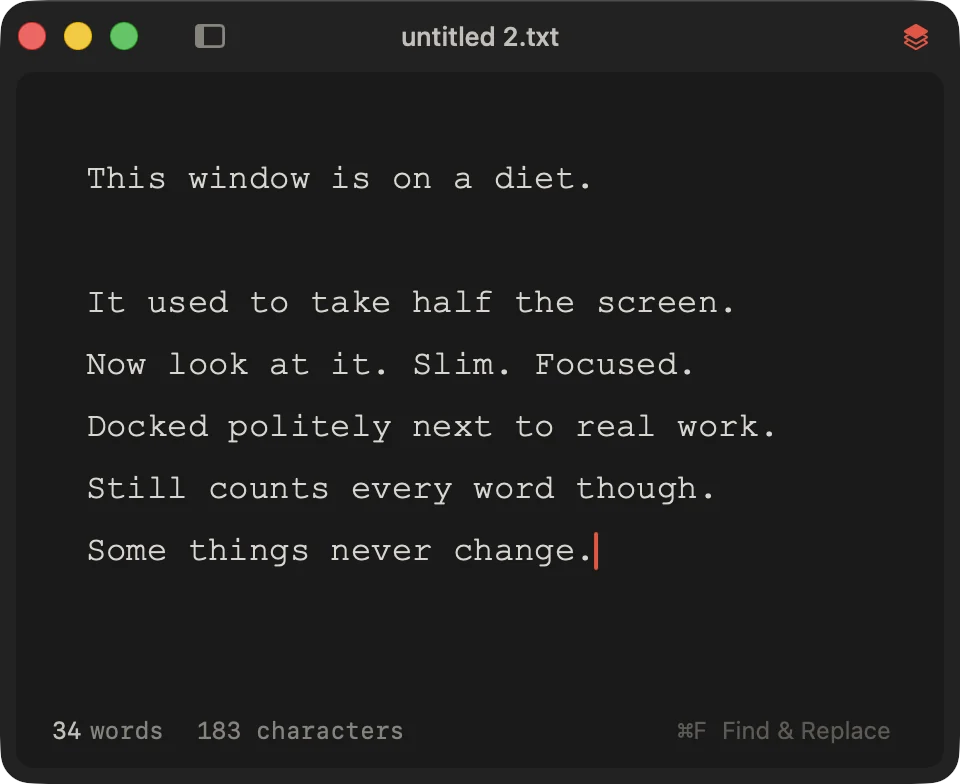
Shrink the window into a slim column and park it at the edge of your screen. The margins step aside, the sidebar bows out, and everything still works at napkin width.
- Float on Top keeps it above your other windows
- ⌥⌘T to float
- Notes beside the work, not behind it
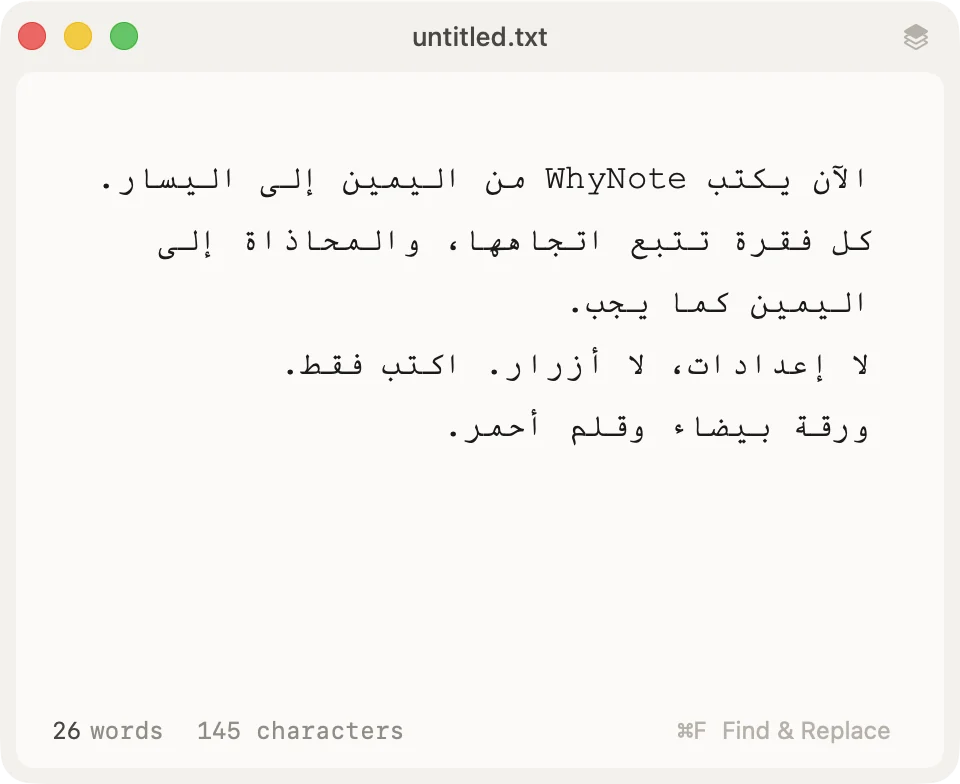
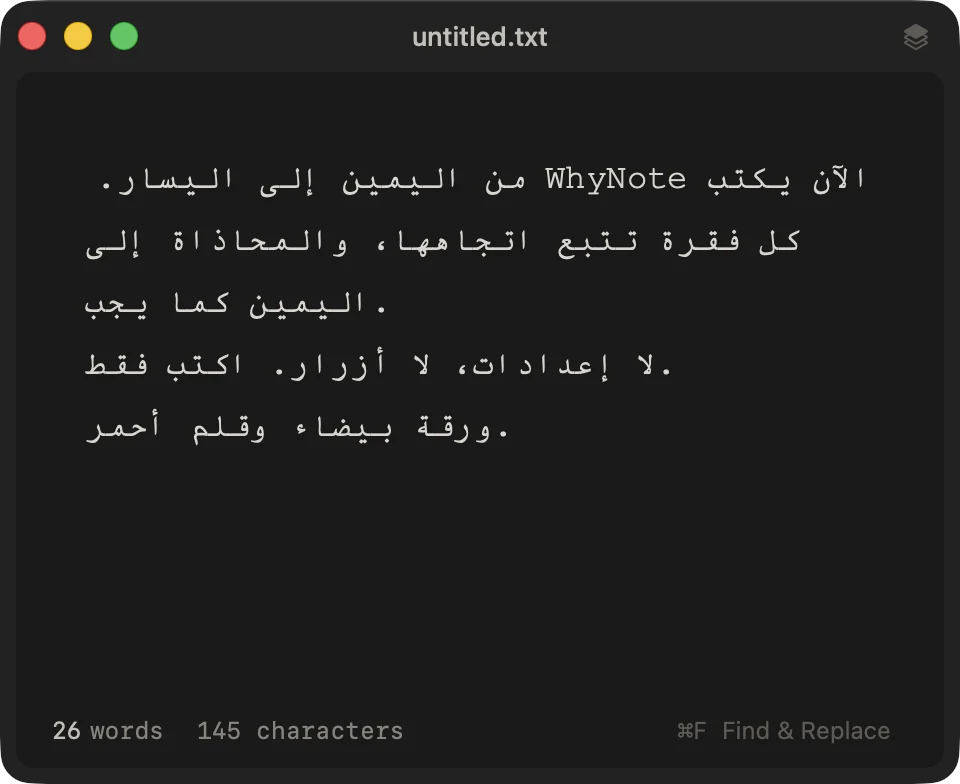
Writes right to left
Arabic and Hebrew flow the way they should. Every paragraph follows its own direction, aligns to the right, and mixes happily with Latin text.
- Find, replace, spell check and the counters all keep up
- Built because one writer asked
Everything else
-
Word and character count
Live counts under every note, and a reading time once a note is long enough.
-
Plain .txt files
Every note is a real text file on your Mac. Make WhyNote the default app for .txt if you like.
-
Spell check
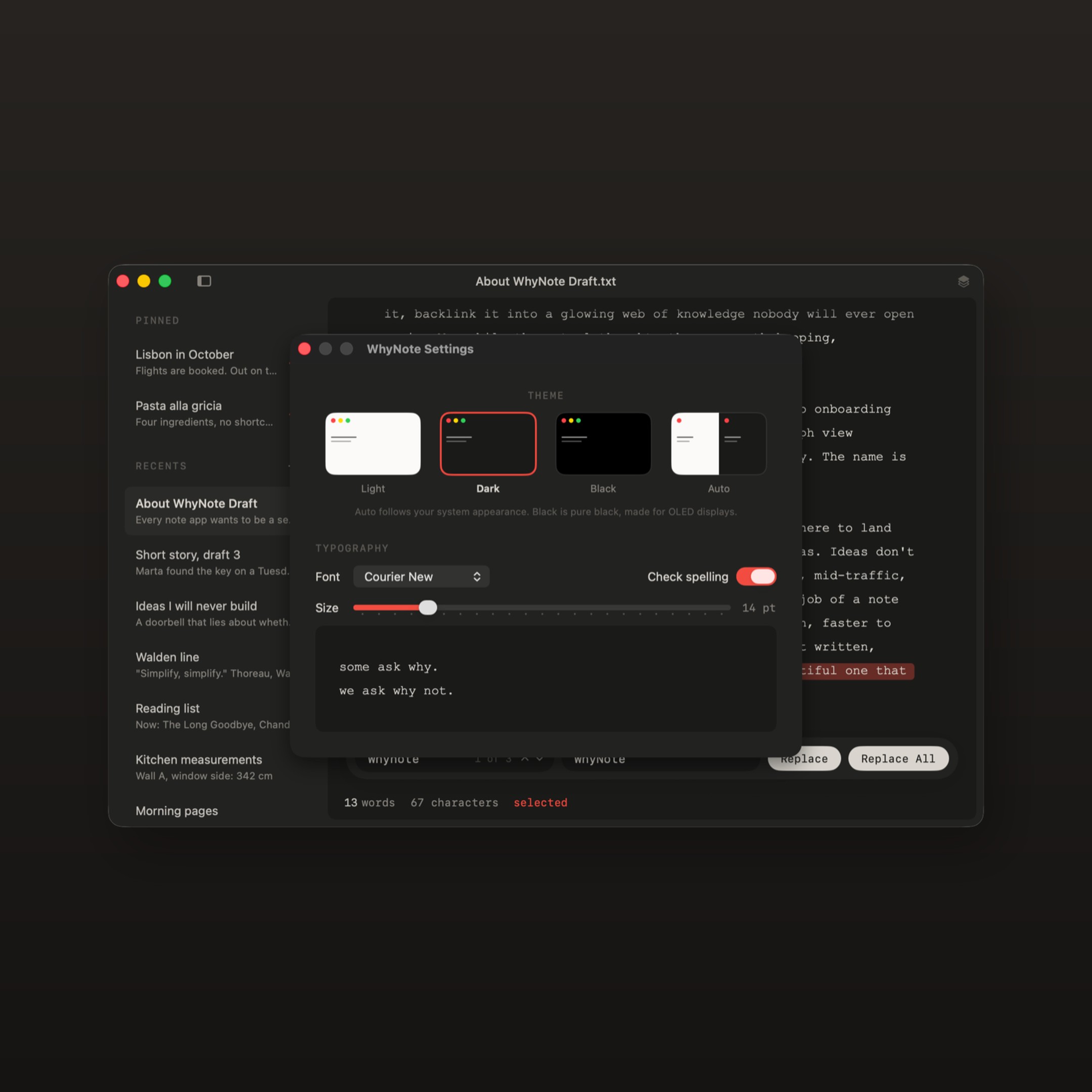
The native Mac spell check, with one switch in Settings.
-
Four themes
Light, Dark, pure Black for OLED displays, or Auto to follow your Mac.
-
Real menus
Every shortcut is visible in the menus, the way a Mac app should be.
-
Updates itself
A small dialog appears when a new version exists. One click installs it.
-
Text size
Bigger or smaller with ⌘= and ⌘-, or in Settings.
-
Print
For the days when paper is the answer.
-
Keeps to itself
No account, no cloud, no telemetry. It goes online only to check for its own updates.
From the inbox
“Moving from Windows to macOS, I was really desperate to find a Notepad replacement. WhyNote is just it!!!”
“These are really great and useful improvements that make the app even better. Now if only there were an iOS version, I’d be the happiest user.”
“Being able to see immediately how many characters I’ve used makes a huge difference and is incredibly helpful in my daily work.”
Good to know
- Free
- macOS 26 or later
- Apple silicon and Intel
- About 3 MB
- No accounts, no sync, no subscriptions
- Updates inside the app
Questions
Is it really free?
Yes. There is no paid version and nothing to unlock.
Why is there a checkout for a free app?
The order costs nothing and needs no card. It saves WhyNote to your account, so you can download it again whenever you need it.
I already use WhyNote. Do I need to do anything?
No. Your copy keeps updating itself as before.
Which Macs does it run on?
Any Mac running macOS 26 or later, Apple silicon or Intel. There is no build for older versions of macOS.
Where are my notes kept?
On your Mac, as plain .txt files. Quick notes live in the app’s own folder and saved files stay wherever you put them. Nothing syncs and nothing leaves your Mac.
Why did pasting remove my formatting?
That is the point of the app. Everything you paste arrives as clean text.
Can I make it the default app for .txt files?
Yes. Right-click a .txt file, choose Get Info, pick WhyNote under Open with, then click Change All.
Does it sync with my other devices?
No. WhyNote is a Mac app and your notes stay on your Mac.