
Daypad
Free
A paper day calendar for your Mac desktop. Turn the page each morning, flip back whenever you like, or tear the day clean off. Free.
- Free. No license key, no subscription, no card needed.
- Saved to your account — download any time, no expiry
By completing your purchase you agree to our Terms of Service and Personal Use License.
What you receive
A paper calendar on your desktop
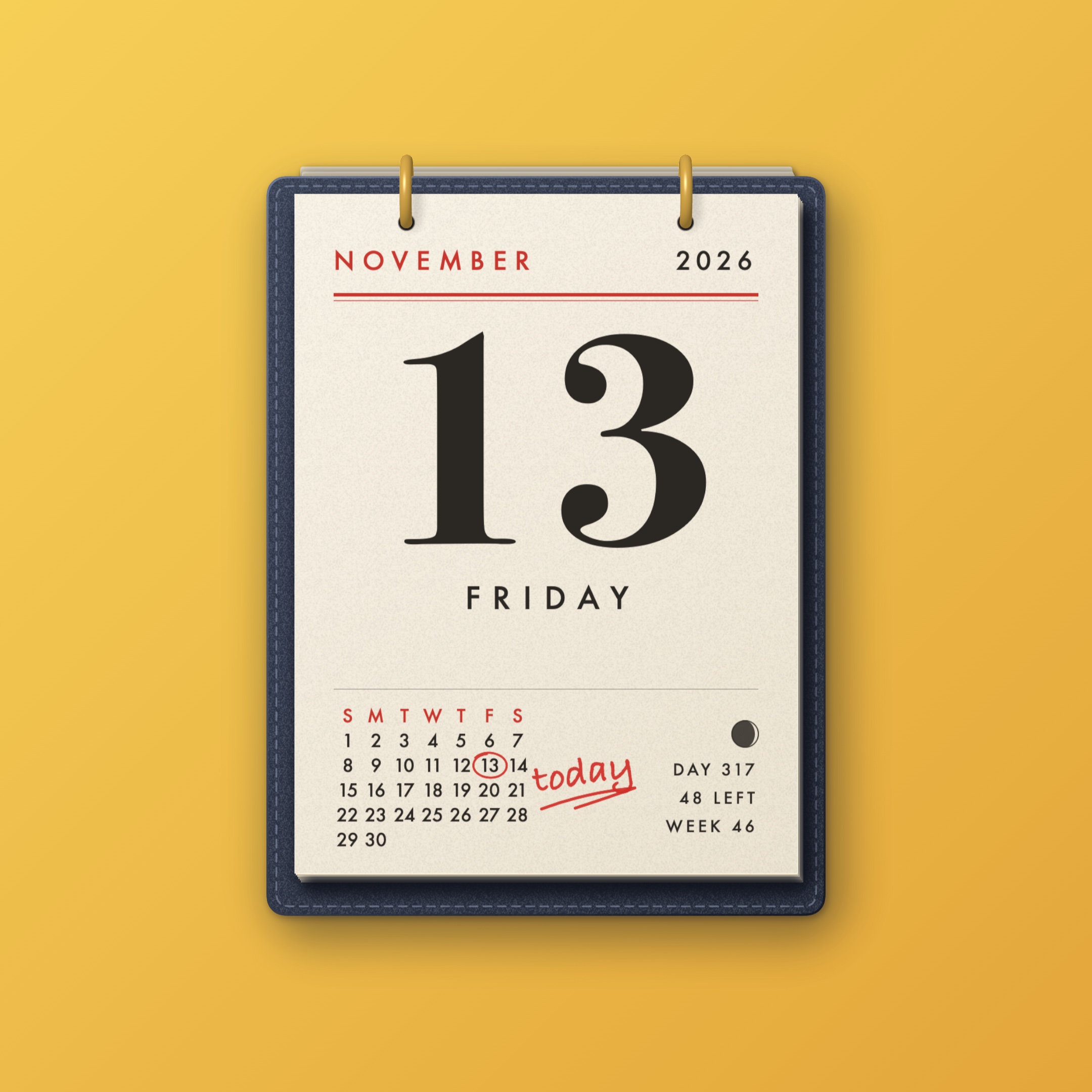
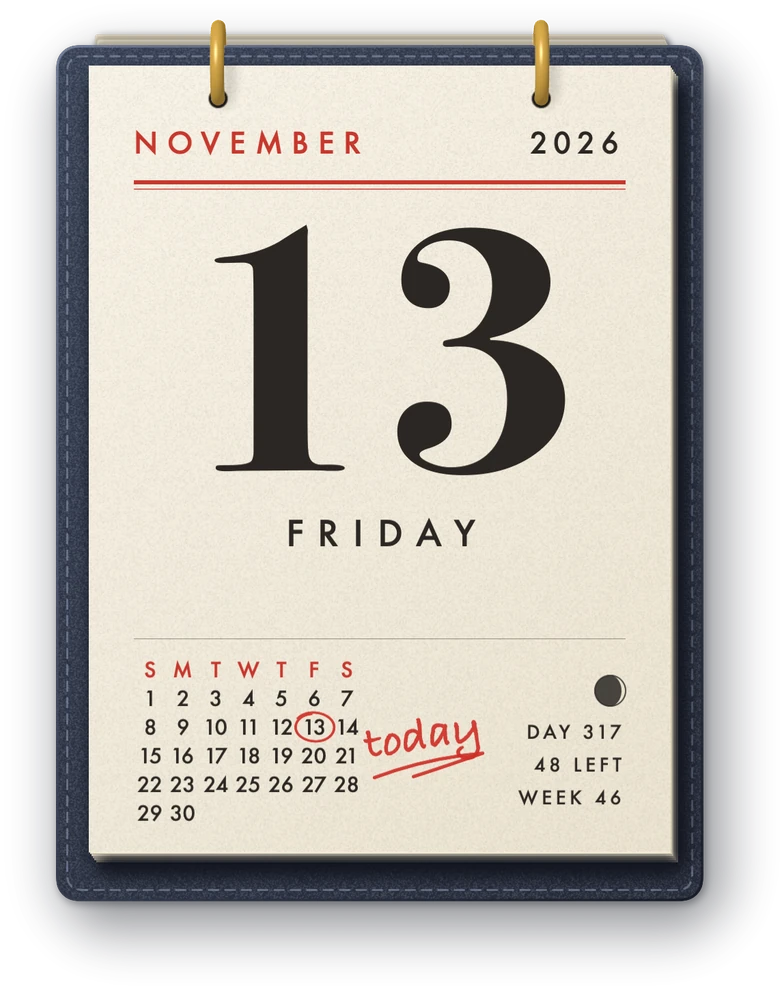
One page for each day, held on two brass rings on a navy bookcloth board. It sits behind your windows like a real pad on a wall, and nothing on it moves until you move it.
- Today is marked in red pen
- The month at a glance on every page
- Moon phase, day of the year and week number
Turn the page like paper
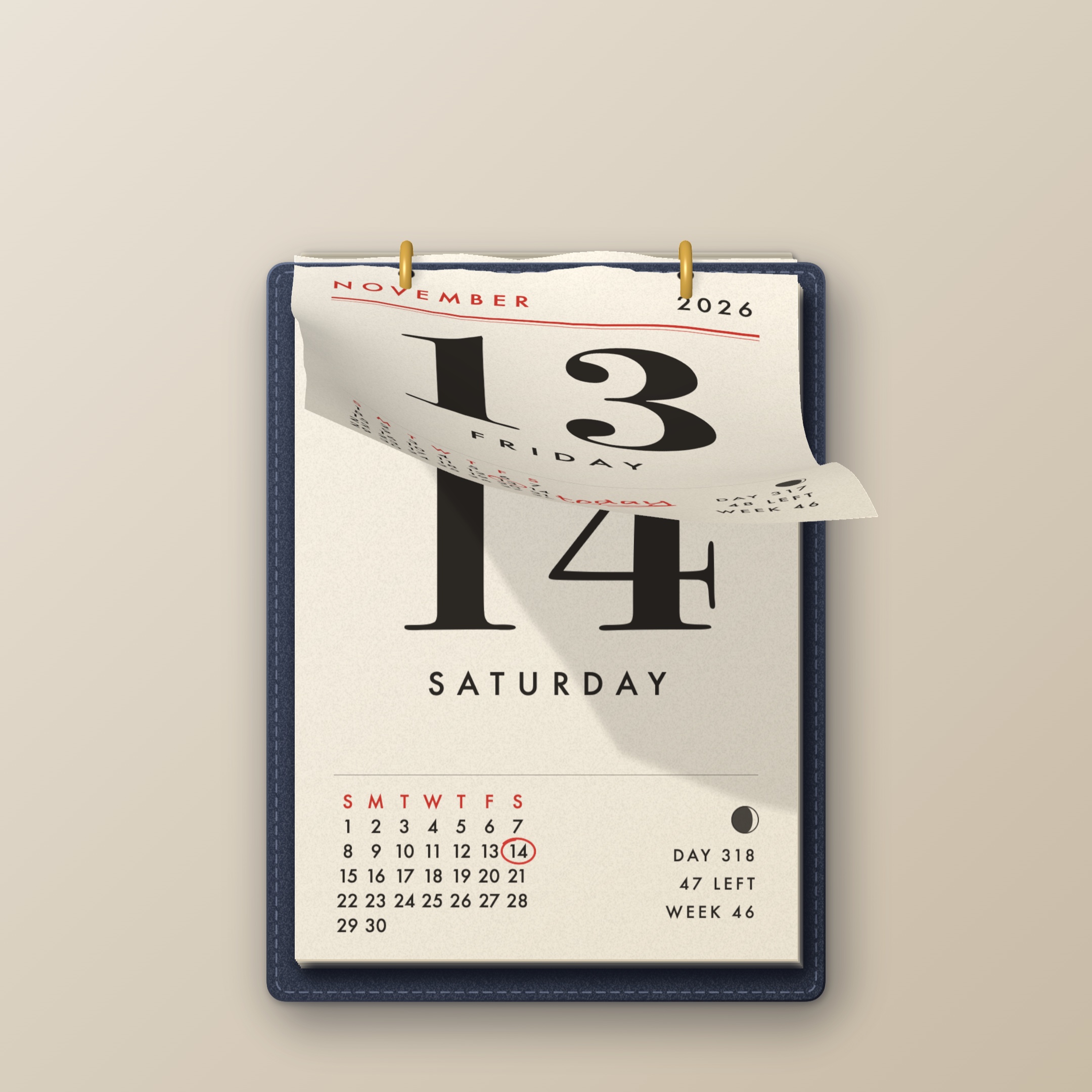
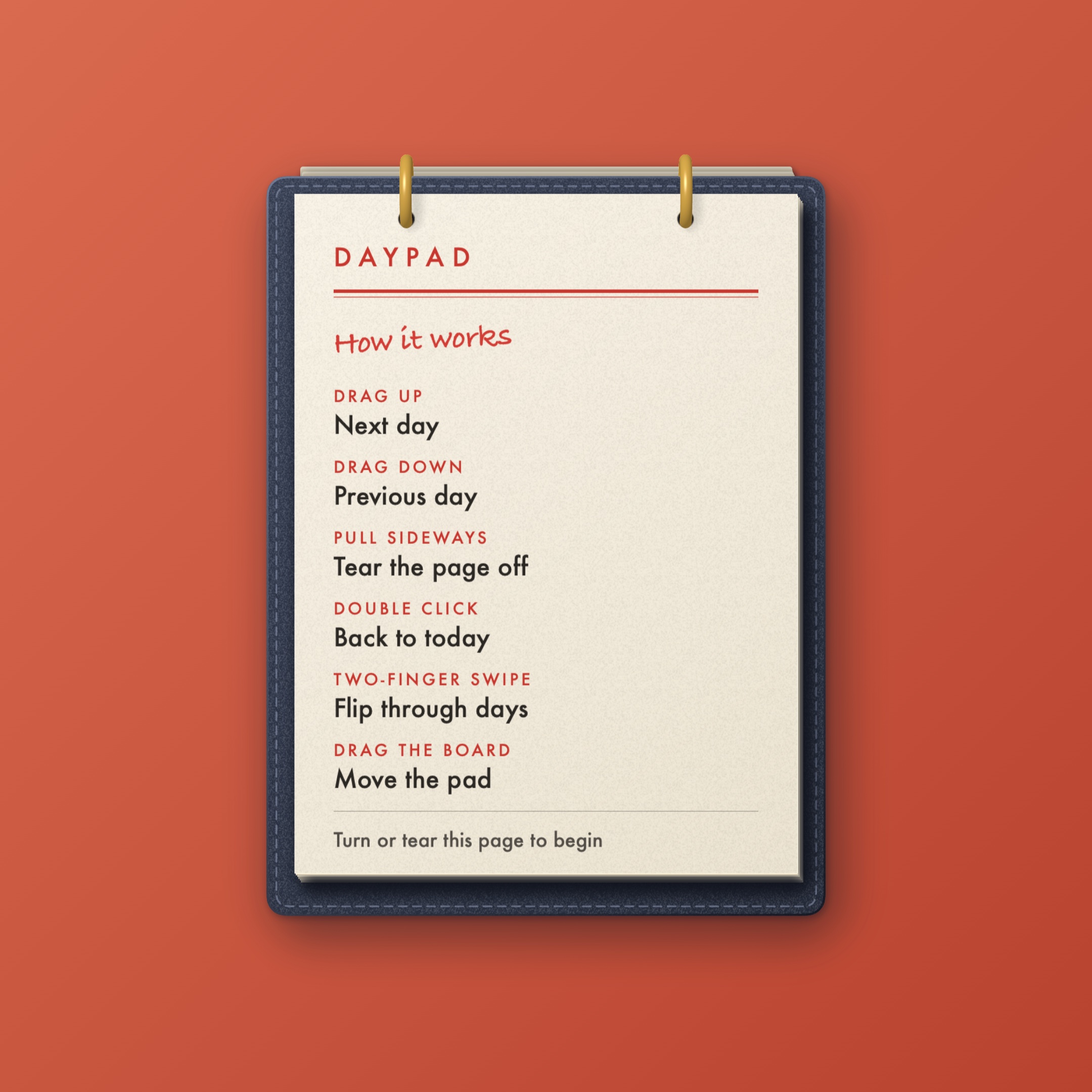
Drag a page up and it bends in your hand, goes over the rings and drops behind the board. Drag down and the last one comes back. Look ahead, look back, then return to today with a double click.
- Up for the next day, down for the one before
- A two-finger swipe flips through days
- Pages bend, cast a shadow and make a small sound
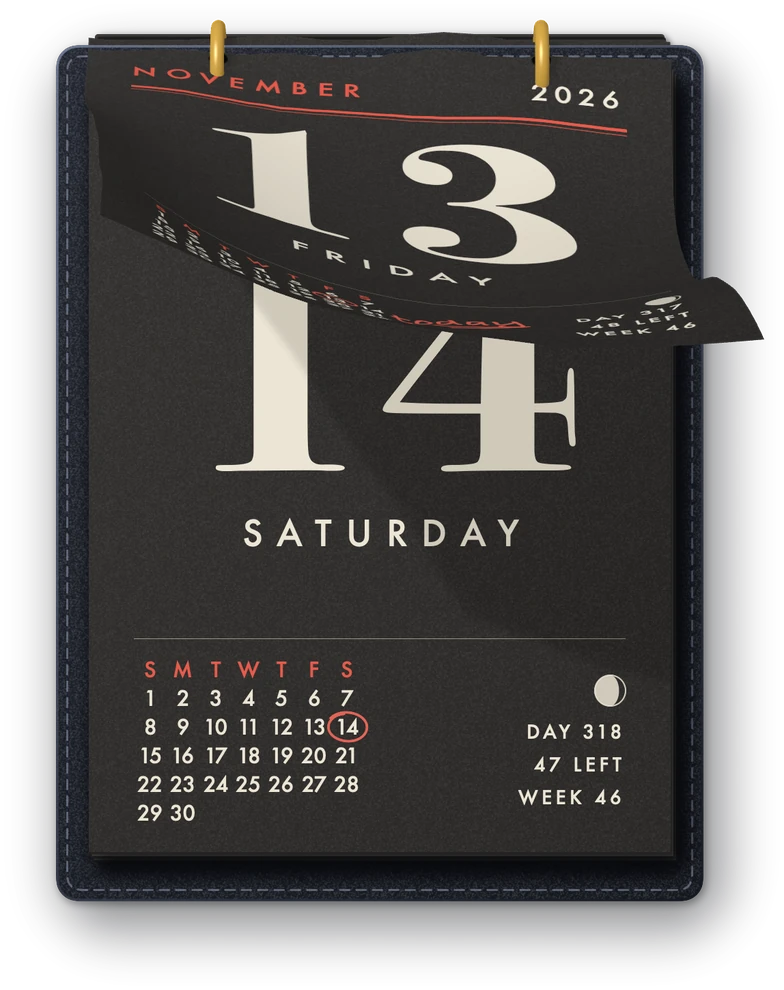
Or tear the day clean off
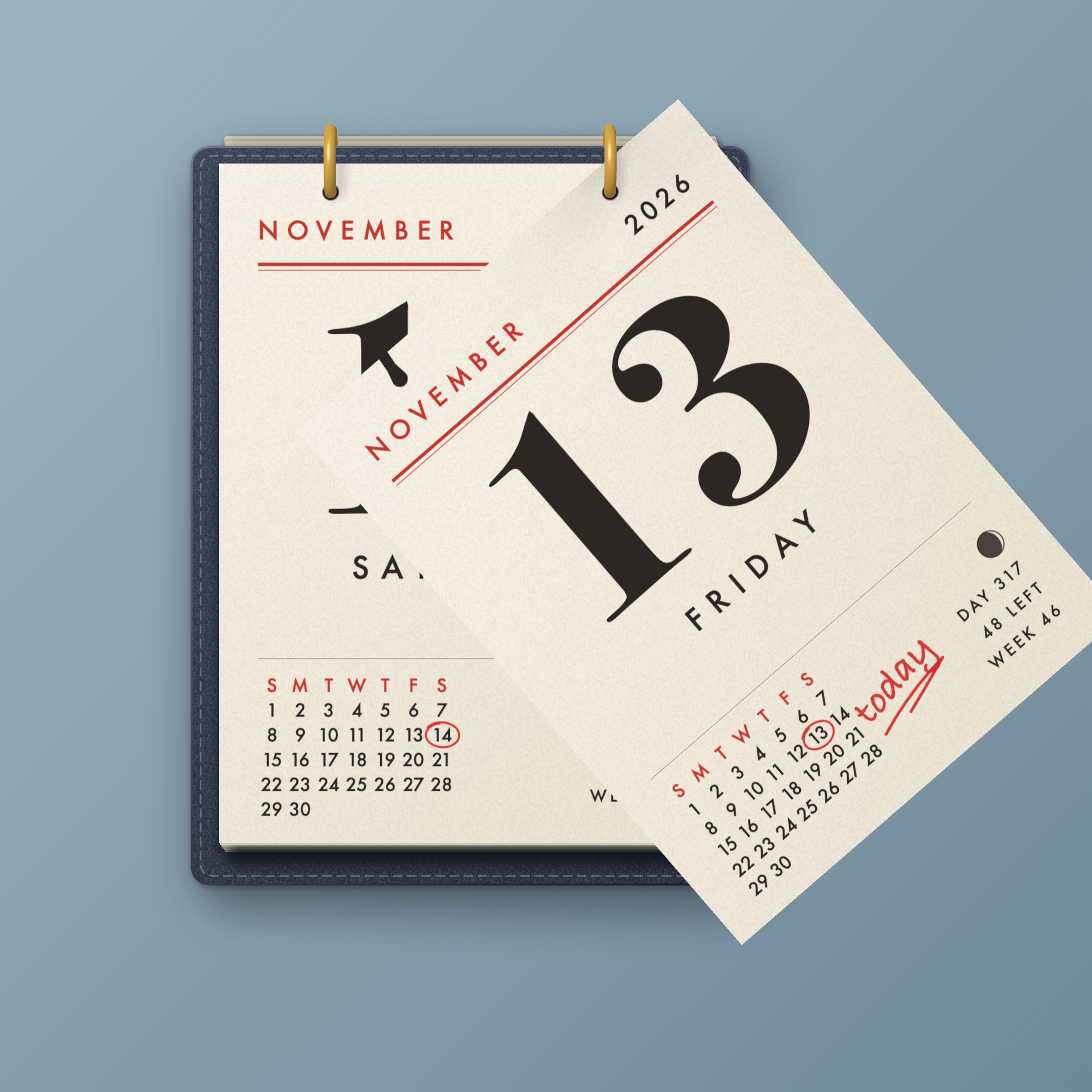
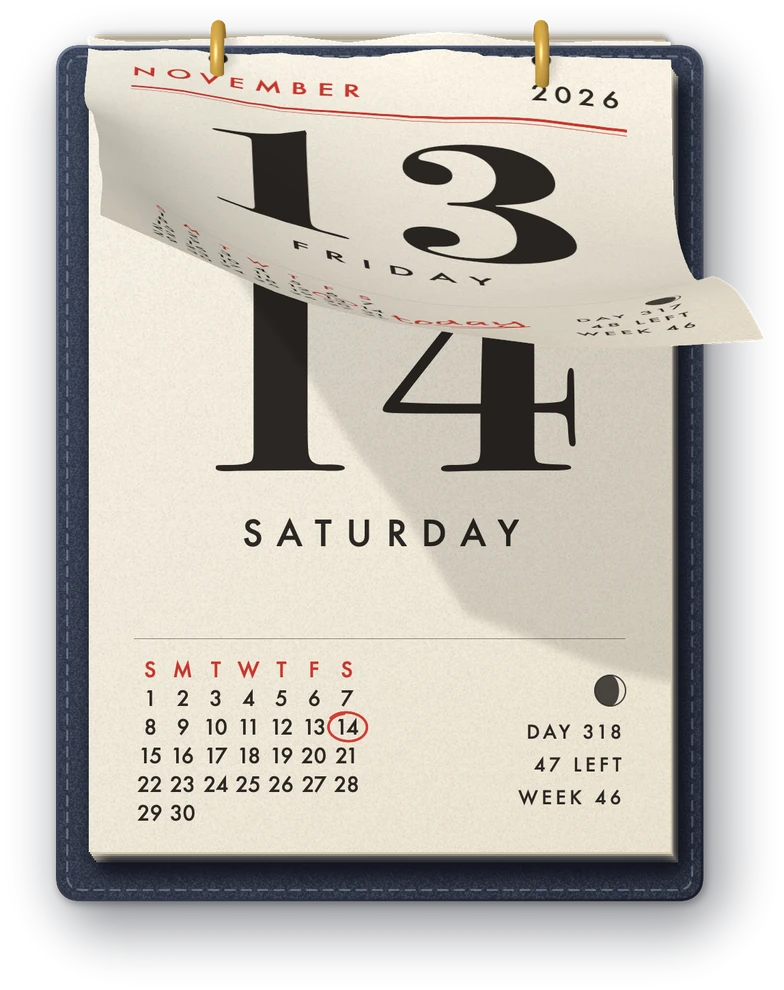
Some days deserve it. Pull a page sideways and it rips off one ring, swings on the other, then comes free and flutters off the bottom of your screen.
- It can hang from one ring for as long as you like
- The torn sheet falls like real paper
- The day is still in the pad if you flip back
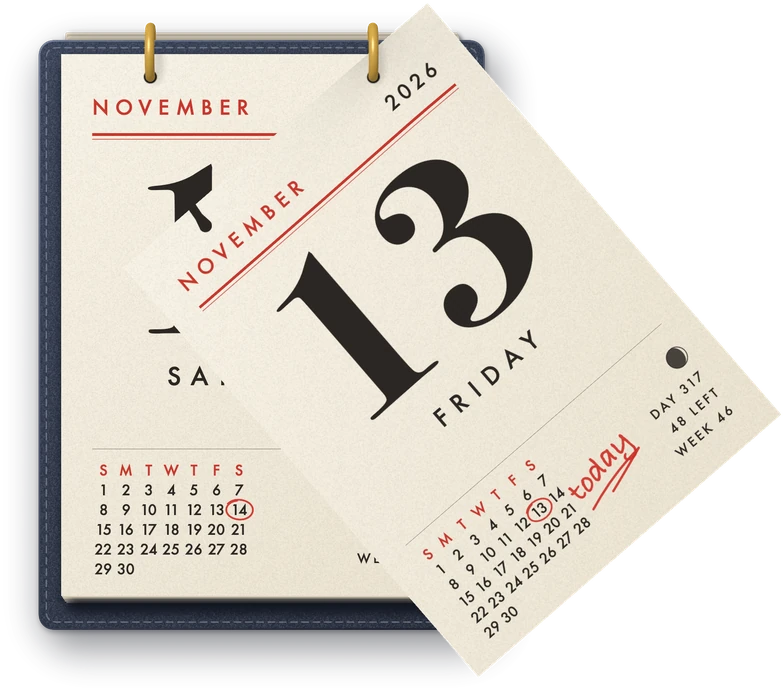
It explains itself
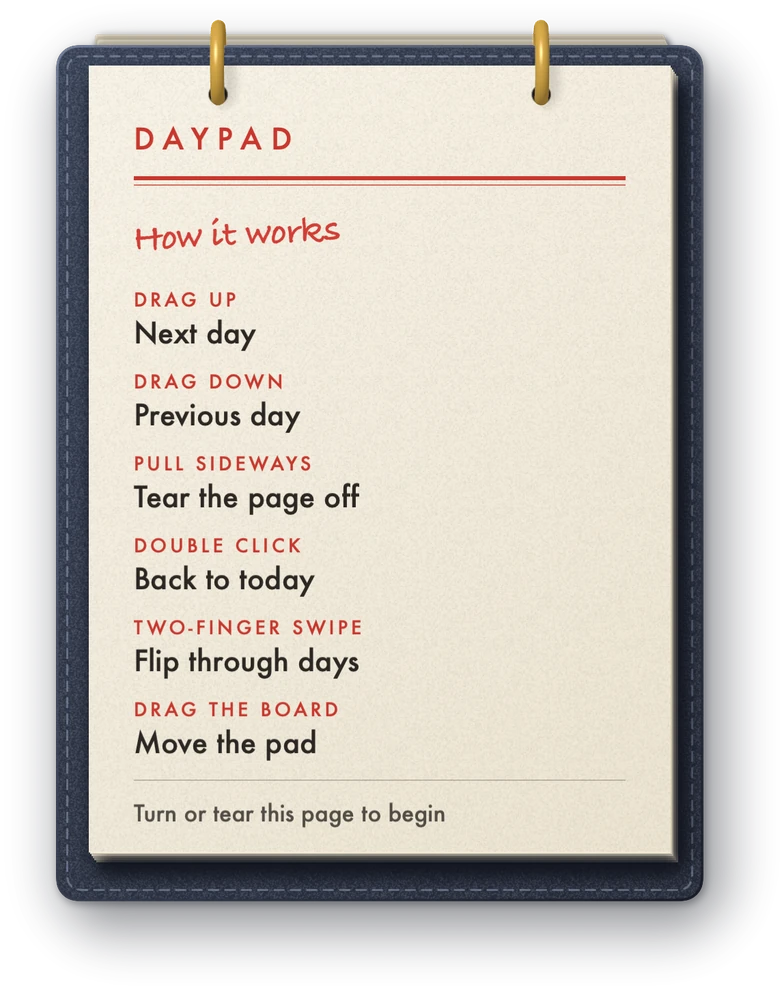
A new pad opens on a page that shows how it works. Turn it or tear it off and the calendar starts. You can bring that page back from the menu bar whenever you forget a gesture.
- No setup and no settings window
- Lives in the menu bar, not the Dock
- Drag the board to put it anywhere

Everything else
-
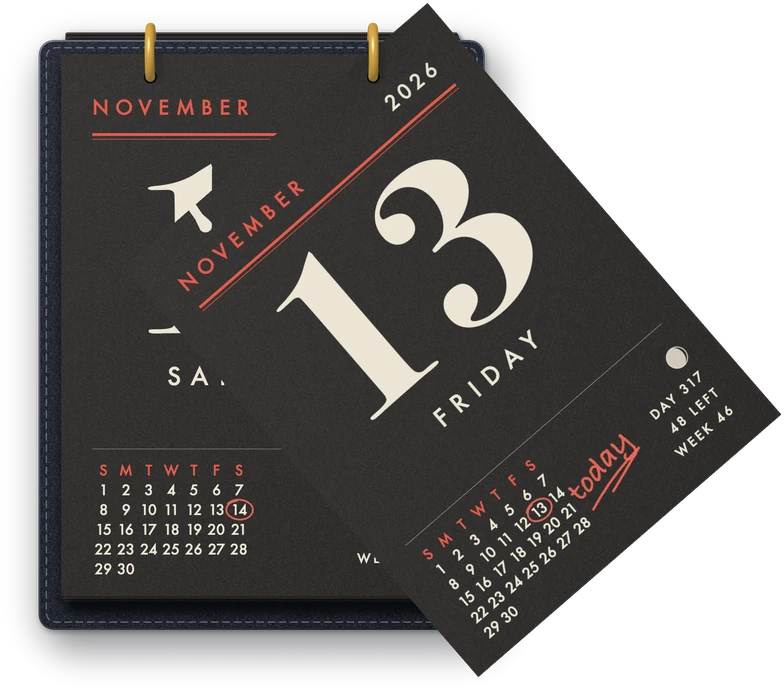
Light and dark paper
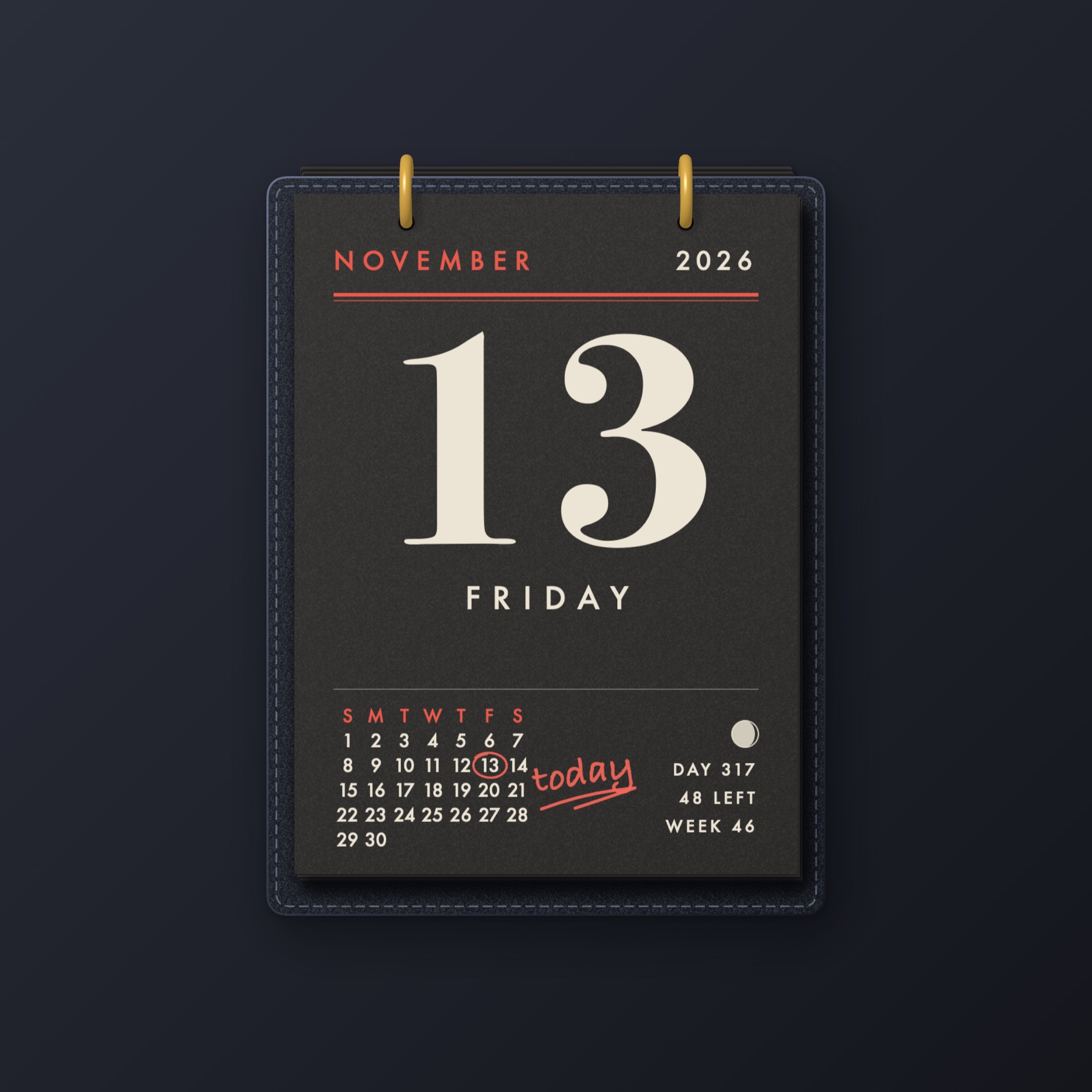
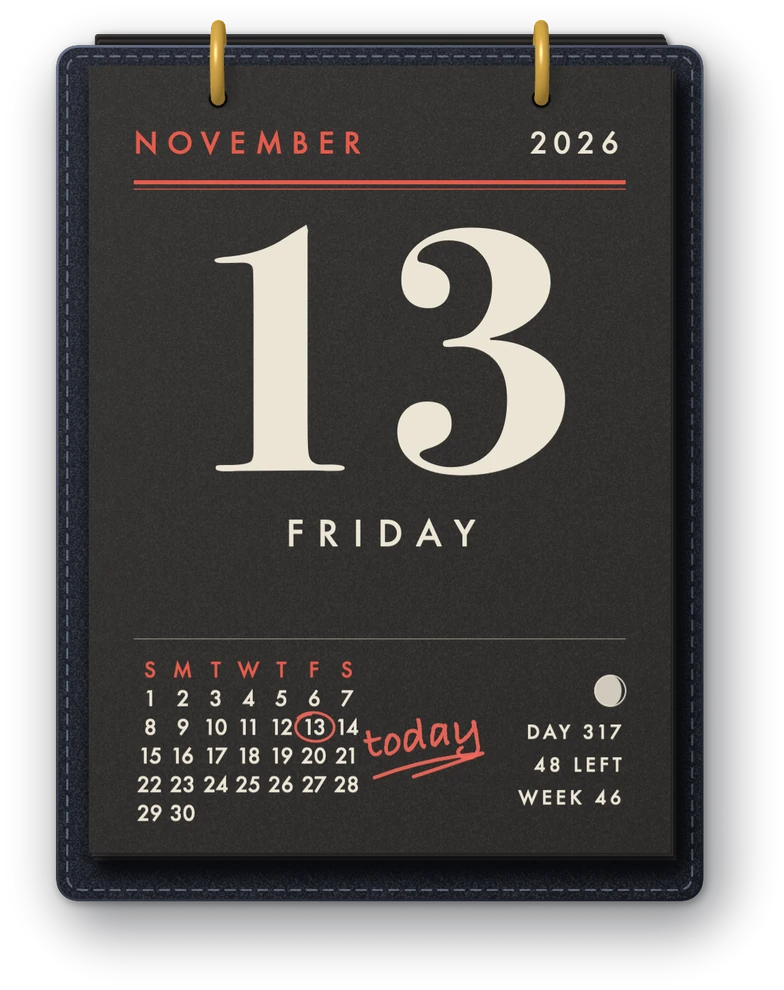
Cream paper by day, charcoal when your Mac goes dark. Or pick one and keep it.
-
Two sizes
Small for a laptop, Large for a big display.
-
Your pace
The page waits for you to turn it. If you prefer, it can turn itself at midnight.
-
Paper sounds
A swish when a page turns, a rip when one tears. One switch turns them off.
-
Eleven languages
English, Bulgarian, German, French, Spanish, Italian, Portuguese, Dutch, Russian, Japanese and Chinese.
-
Keeps to itself
It asks for no permissions and never goes online.
Good to know
- Free
- macOS 14 or later
- Apple silicon and Intel
- No account inside the app, no ads, no tracking
- Inspired by Himekuri, a lovely free Mac app
Questions
Is it really free?
Yes. There is no paid version, no license key and nothing to unlock.
Why is there a checkout for a free app?
The order costs nothing and needs no card. It saves Daypad to your account, so you can download it again whenever you need it.
Does the page turn by itself?
Not unless you ask. By default you turn the page each morning. There is an option in the menu bar to let it turn at midnight.
Can I go back to an earlier day?
Yes. Drag a page down and the day before comes back over the rings. A double click on the page returns you to today.
What happens to a page I tear off?
It falls off the screen. The day itself is not lost: flip back and it is there again.
Does it show my events or sync with my calendar?
No. Daypad shows the date, the month, the moon phase, the day of the year and the week number. It does not read your calendar.
Which Macs does it run on?
Any Mac running macOS 14 or later, Apple silicon or Intel.